 iOS
iOS Android
 Windows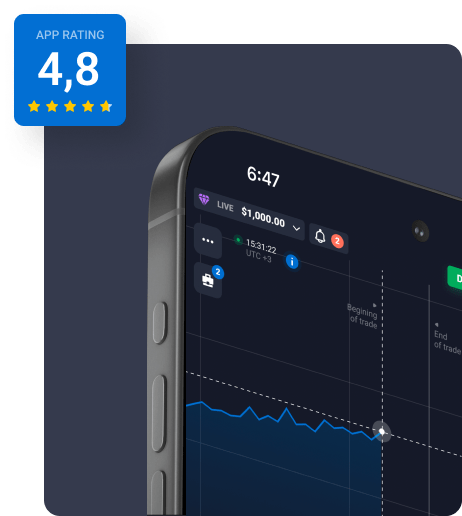
Verify current Android availability
The platform website describes an Android option alongside browser access. That statement is not a guarantee that the same listing or package is available in every country or on every device.
Begin with current product information, not a search result that advertises a “latest APK”. We deliberately do not mirror packages, publish direct download buttons or assert an app version.
Before you install
Treat software installation as a separate decision from choosing to use a financial product. A working app does not establish regulatory approval or suitability.
- Open the independently verified platform website in an updated browser.
- Inspect its current Android access instructions and follow only a verified destination.
- Check the publisher, device requirements, permissions and privacy information.
- If the source cannot be verified, stop. Use available browser information instead of changing security settings.
- After an installation, review permissions and keep updates tied to the same verified source.
Security considerations
A familiar logo, high search ranking or large download counter does not establish authenticity. Be cautious of spelling changes, shortened links, repackaged files and requests to install remote-access tools.
Never share passwords, one-time codes or recovery codes with a publisher or reviewer. quotex.app has no reason to receive them. If you suspect an account issue, use the operator’s independently verified recovery channel.
Browser access as a separate option
A browser session does not require an APK from this website. Read the platform’s current compatibility information, check the address before entering any details and avoid shared devices.
If a page does not load, first check connectivity and browser updates. Do not interpret a connection problem as a reason to install a file from an unrelated website or bypass a regional restriction.
Common questions
Does quotex.app distribute APK files?
No. We do not host APKs or other installation packages. Only install software from official or trusted sources.
Does Quotex have a mobile app?
The platform website describes Android and browser access. Availability may vary by region and change over time. Verify current information at the platform website; we do not distribute apps.
Where can I find the Quotex Android APK download?
This publication does not host an APK. Confirm the current Android distribution route with the operator before installing anything. Do not treat a forwarded file, a search advert or a familiar icon as proof of origin.
Does a browser shortcut work like an offline trading app?
No. A home-screen shortcut provides convenient access to a website. It does not establish offline trading, guaranteed notifications or native device features. Platform connectivity is still required.