
 iOS
iOS Android
 Windows
Quotex Android app
 Google Play
QUOTEX · iOS / iPadOS
Open the link below in Safari or Chrome. Wait for the destination to load before saving it.
Register & Install Quotex
Open the link below in Safari or Chrome. Wait for the destination to load before saving it.

Name it Quotex, enable Open as Web App if offered, then tap Add. Open the new icon from your Home Screen.
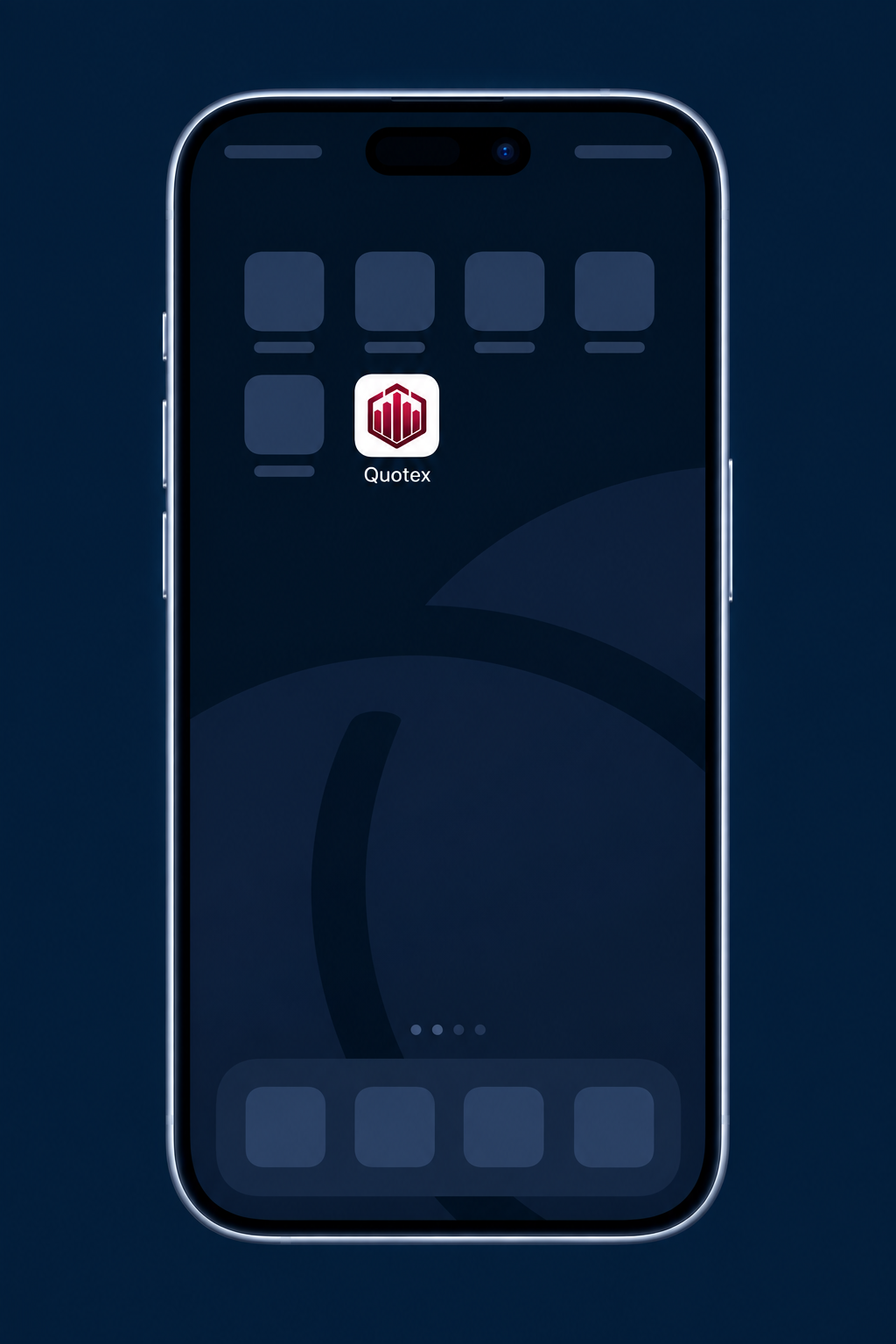
Name it Quotex, enable Open as Web App if offered, then tap Add. Open the new icon from your Home Screen.
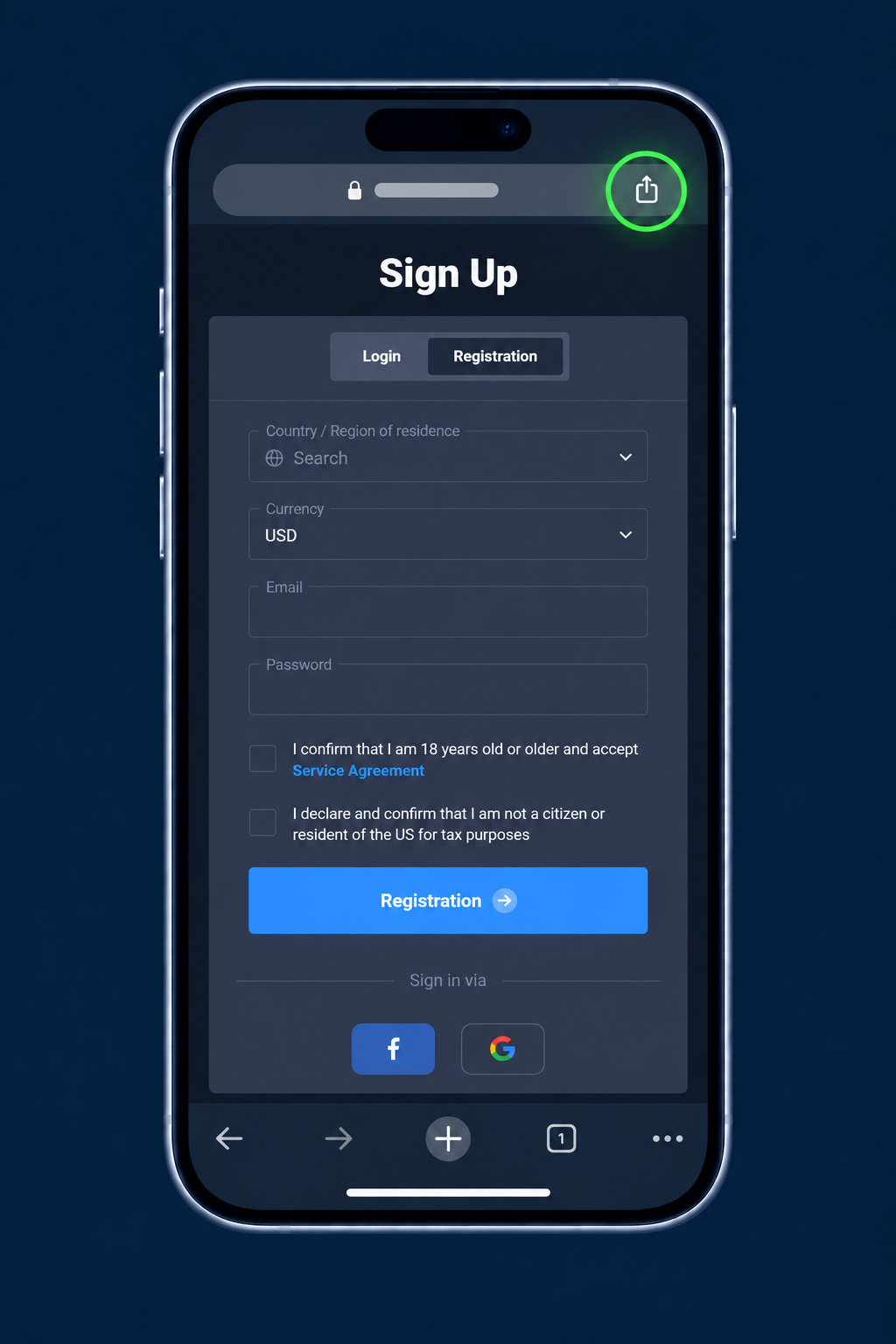
On iPhone or iPad, open Chrome’s Share menu and choose Add to Home Screen. If unavailable, open the same page in Safari.
Name it Quotex, enable Open as Web App if offered, then tap Add. Open the new icon from your Home Screen.
Name it Quotex, enable Open as Web App if offered, then tap Add. Open the new icon from your Home Screen.
This saves the website as a web app or shortcut, not an App Store download. Internet access is required. If an installation option is missing, use Safari or continue in the browser. Menu labels vary by version.
Google Play